
Latest Version
PT KASIR PINTAR INTERNASIONAL
Shopping
Windows
Free
9phpch7jnl8f
Report a Problem
More About Kasir Pintar POS
Streamlining Store Transactions with Kasir Pintar POS
Managing daily sales transactions and keeping track of store performance can be a challenge for growing retail businesses. Kasir Pintar POS cashier application provides a dedicated desktop solution designed to simplify these daily operations. Developed by PT KASIR PINTAR INTERNASIONAL, this software is tailored specifically for business plugin users who require a stable, desktop-based point-of-sale interface on their Windows or macOS devices.
Key Features of the Kasir Pintar POS Cashier Application
This software focuses on practical, everyday utility to help business owners manage their checkout counters efficiently. Here is what you can do with the application:
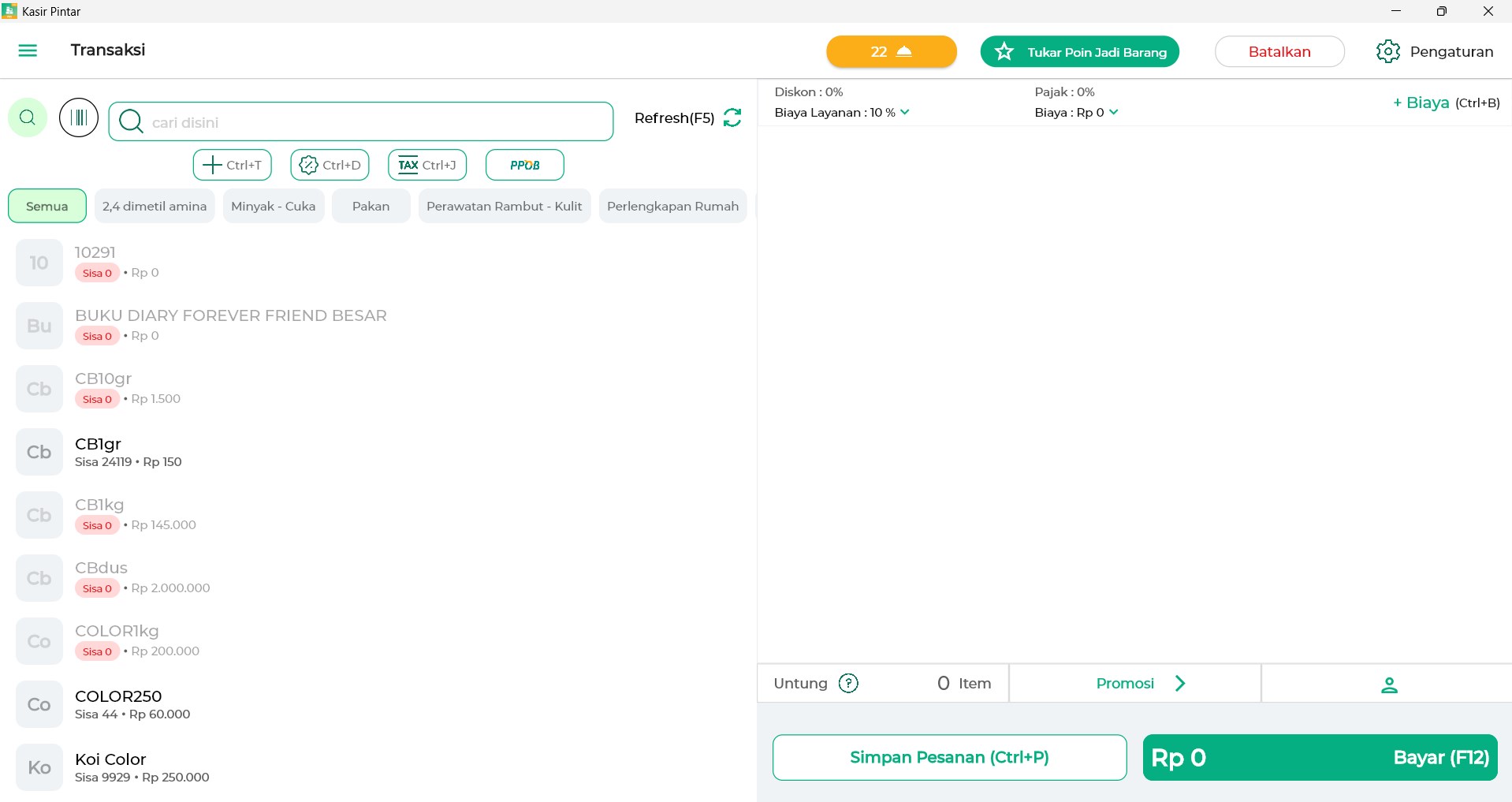
- Seamless Transaction Menu: Process sales and manage customer checkouts quickly through an intuitive interface.
- Detailed Transaction Data Reports: Access organized reports of your sales history to monitor business performance over time.
- Staff Account Integration: Set up secure access for your employees, allowing them to operate the register under dedicated staff accounts.
- Quick Sidebar Synchronization: Keep your sales data updated across platforms instantly using the fast sync feature located in the sidebar.
- Cross-Platform Compatibility: Run the software smoothly on both Windows and macOS systems, depending on your store's hardware setup.
Who Is This Desktop Point-of-Sale For?
The Kasir Pintar POS cashier application is built specifically for merchants who already utilize the Kasir Pintar business plugins and want a robust desktop setup. It is ideal for physical retail stores, boutiques, and small shops that prefer processing transactions on a computer or laptop rather than a mobile device. By allowing staff accounts, business owners can delegate checkout duties to employees while maintaining control over settings and reporting.
Practical Benefits for Your Business
By moving your checkout operations to a desktop environment, you gain a larger screen real estate for your staff, which can reduce input errors during busy hours. The fast synchronization ensures that your transaction logs are updated without manual export hassles, making bookkeeping much more straightforward at the end of the day.
Get the App on the Official Store
If you are ready to upgrade your checkout counter with a reliable desktop system, you can explore the software further. To check compatibility and get started, visit the official Microsoft Store page to download the app for your system.
Rate the App
User Reviews










Popular Apps










Editor's Choice